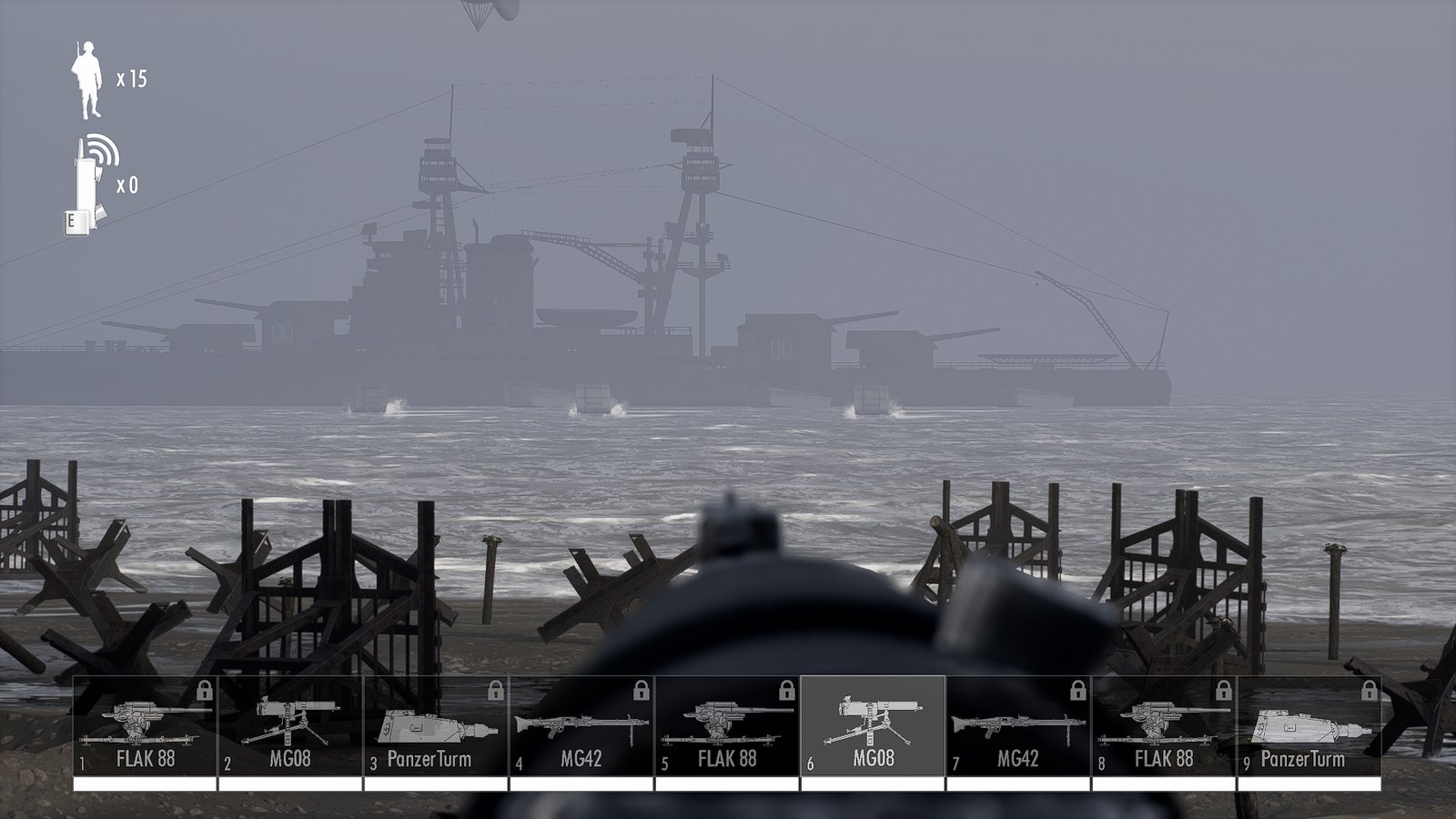
Beach Invasion 1944 · Unreal Engine 4.27.2 · v1.2.0
The whole install is one folder.
Both UE4SS and the Ungodly AI mod drop into the same directory — the one holding BeachInvasion1944-Win64-Shipping.exe. No installers, no launchers, no game files replaced. This guide walks that folder file by file until you can see the mod confirm itself in its own log.
The destination
What the folder looks like when you are done
Every file below is either shipped with the game, extracted from one of two downloads, or written automatically the first time you launch. Nothing else belongs here. Filter by origin to see exactly which files each step adds.
Thirteen items. Filter by origin to isolate what each step contributes.
- Mods — UE4SS Where UE4SS Lua and blueprint mods live. Ships with a few built-in ones and a mods.txt load list.
- BeachInvasion1944-Win64-Shipping.exe 78,198 KB Game The real game executable. Its presence is how you know you are in the right folder.
- Changelog.md 27 KB UE4SS UE4SS release notes. Harmless, and safe to delete if you like a tidy folder.
- dwmapi.dll 57 KB UE4SS UE4SS proxy loader. The game loads this at startup, and it loads UE4SS.dll.
- OpenImageDenoise.dll 48,605 KB Game Shipped with the game. Nothing to do with either mod — leave it alone.
- README.md 8 KB UE4SS UE4SS readme. Also safe to delete.
- tbb12.dll 375 KB Game Intel threading library shipped with the game. Leave it alone.
- UE4SS.dll 15,883 KB UE4SS UE4SS itself. The big one — if this is missing, nothing UE4SS-related works.
- UE4SS.log 24 KB Generated Written on every launch. Your proof UE4SS loaded, and the first place to look when it did not.
- UE4SS-settings.ini 5 KB UE4SS UE4SS configuration. Console visibility, hotkeys, graphics API, object cache.
- UngodlyBeachAI.ini 36 KB Generated Written by the mod on first run with all 213 settings, each with its own description and range. Your entire control surface.
- UngodlyBeachAI.log 4 KB Generated The mod's own log. A healthy start ends with "=== Ungodly AI online ===".
- winmm.dll 430 KB Mod The mod. This single file is the entire install — everything else here is generated or belongs to something other than the mod.
Why the mod is called winmm.dll
Windows lets a program load a DLL sitting next to its executable before it looks in the system folder. Both UE4SS and this mod use that: they take the name of a library the game already loads, get loaded in its place, and pass every real call straight through to the genuine Windows copy.
UE4SS claims dwmapi.dll. This mod claims winmm.dll.
Different names, so they never collide — which is why the folder above happily
runs both at once.
Do you actually need UE4SS?
For this mod, no. The Ungodly AI mod is a self-contained native DLL and runs perfectly well on its own. Step 01 is here because UE4SS is how most other Beach Invasion 1944 mods are loaded, and because it is the tool that produced the reflection dump this mod was built against.
If you only want the AI, gore and graphics overhaul, skip straight to step 02.
The route
Six pages, in order
01 · Optional
Install UE4SS
Find the right folder, pick the right build, extract it flat, and confirm it loaded by reading UE4SS.log.
Open →
02 · Required
Install the mod
Unpack the archive, copy one DLL, unblock it, launch, and watch for === Ungodly AI online ===.
Open →
03 · Tuning
Configure
213 settings across 20 sections, all in one self-documenting INI. Six ready-made presets to paste.
Open →
04 · Reference
What it does
The fourteen subsystems, from the anti-stuck ladder to persistent corpses, and what each one changes on the beach.
Open →
05 · When it breaks
Troubleshooting
Eighteen specific failures with specific fixes, covering both the mod and UE4SS, filterable by which one you are chasing.
Open →
06 · Files
Downloads
Direct download, a personal Google Drive mirror, and SHA-256 checksums so you can verify what you got.
Open →
What you are installing
It steers the existing AI rather than replacing it
Beach Invasion 1944 runs its soldiers on a Blueprint behaviour tree. That tree is fine in principle, but in practice it produces the problems anyone who has played the game recognises: troops grinding into each other at trench mouths, soldiers frozen against sandbag lips, cover points permanently reserved by men who died three waves ago, and everyone sprinting at the nearest target regardless of who is actually shooting at them.
This mod attaches to the running game, reads its object graph, and steers that existing AI from the inside. It does not replace the behaviour tree — it makes the tree's inputs and the soldiers' movement capability far better. Alongside that sit a graphics overhaul and a gore overhaul, each independently switchable.
Every offset, function and bitmask it touches was derived from the shipped executable and the game's own reflection data. If any startup proof fails, the mod refuses to run and says so in the log rather than writing to memory on a guess.
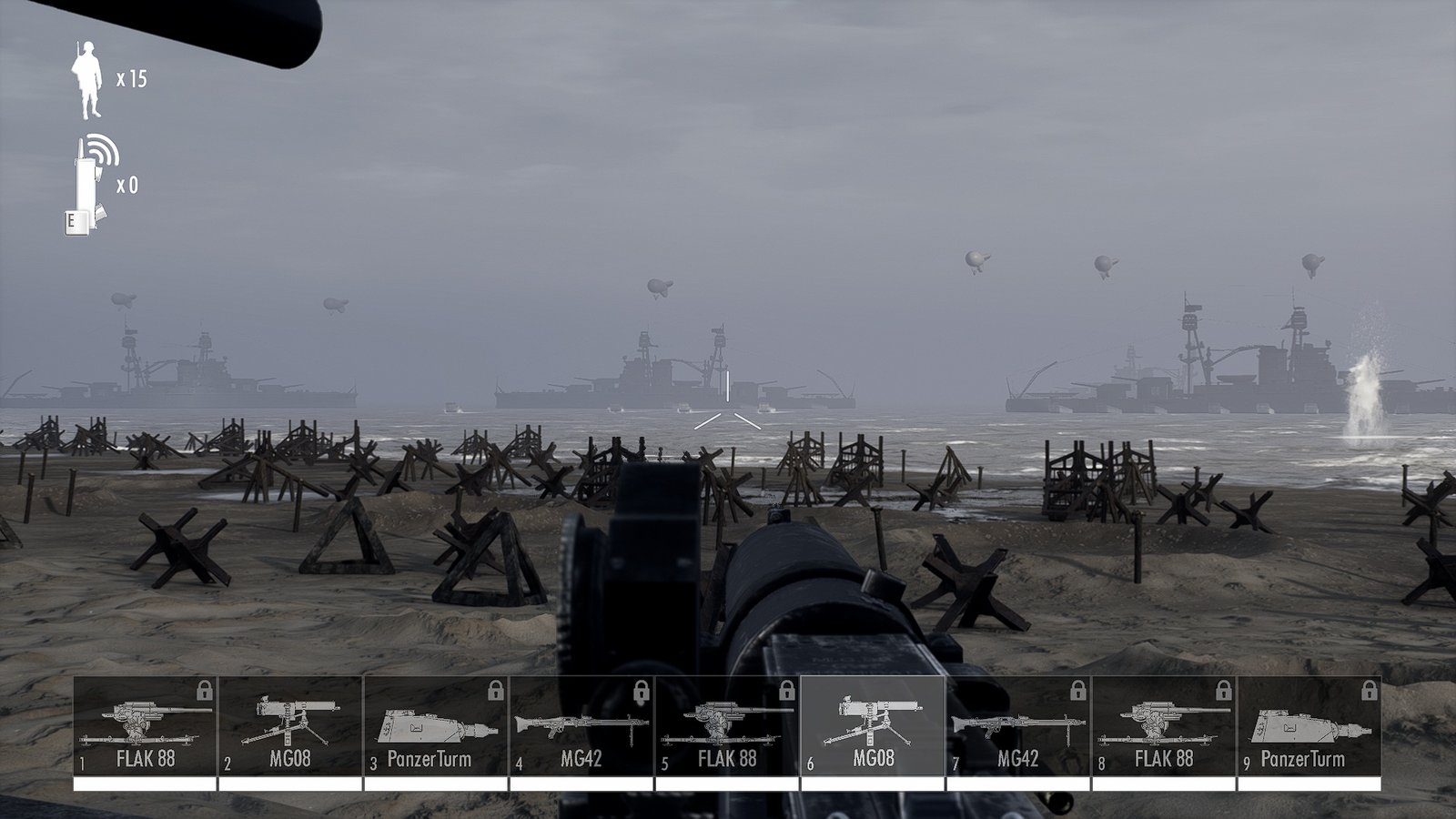
Before you start
A ninety-second check
- You own the game on Steam and have launched it at least once, so the install is fully unpacked.
- You can find your Steam library folder. If the game is on a second drive, the path will not be the default one.
- You can see file extensions in Explorer. View tab → tick File name extensions. Without this you cannot tell
winmm.dllfromwinmm.dll.txt. - You have something that opens
.rar— 7-Zip, WinRAR or NanaZip all work. - You are on 64-bit Windows. Both loaders are x64 only.